

How to reassign a space
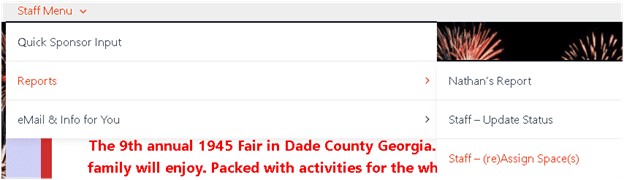
- Use this menu item Staff – (re)Assign Space(s)
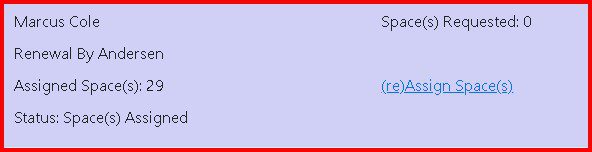
- Find the person you want to change and click the re(Assign Space(s) link

- In the white box delete all the information by clicking and dragging mouse and then press Delete key. (this will remove the previous assignment)
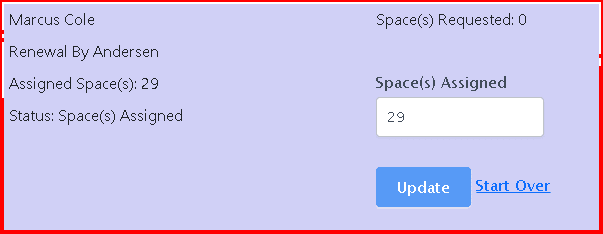
- Then in the white box type the new space assignment number(s). If more than one space is needed separate with a comma (ex. 5, 6). Finally click the Update button
- Refresh the screen (F5) and verify the desired changes were made